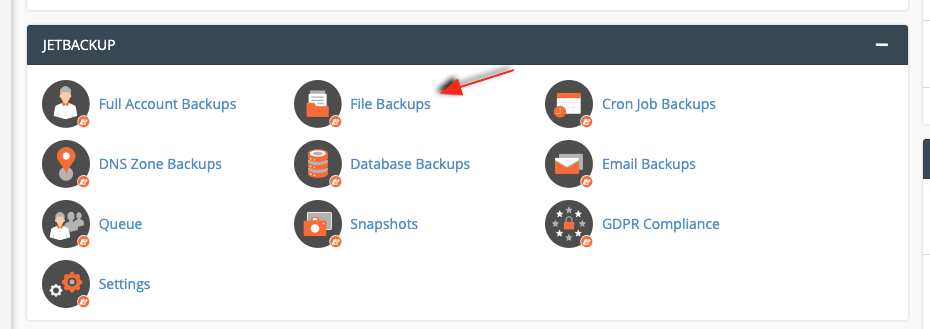
Go to cPanel and click on "File Backups" under the JetBackup-section:
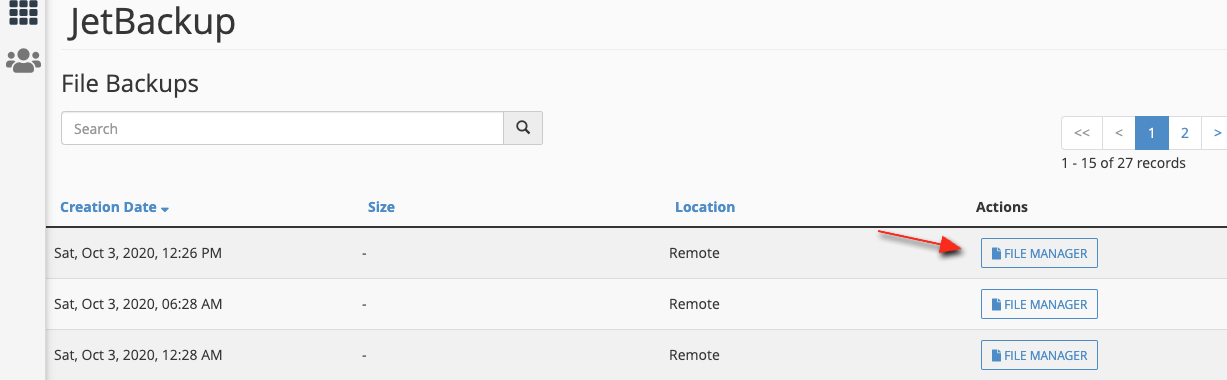
Select the date that you want to restore:
Select the file or directory you want to restore, in this case we'll restore the "cache" directory and "piwik.js" file:
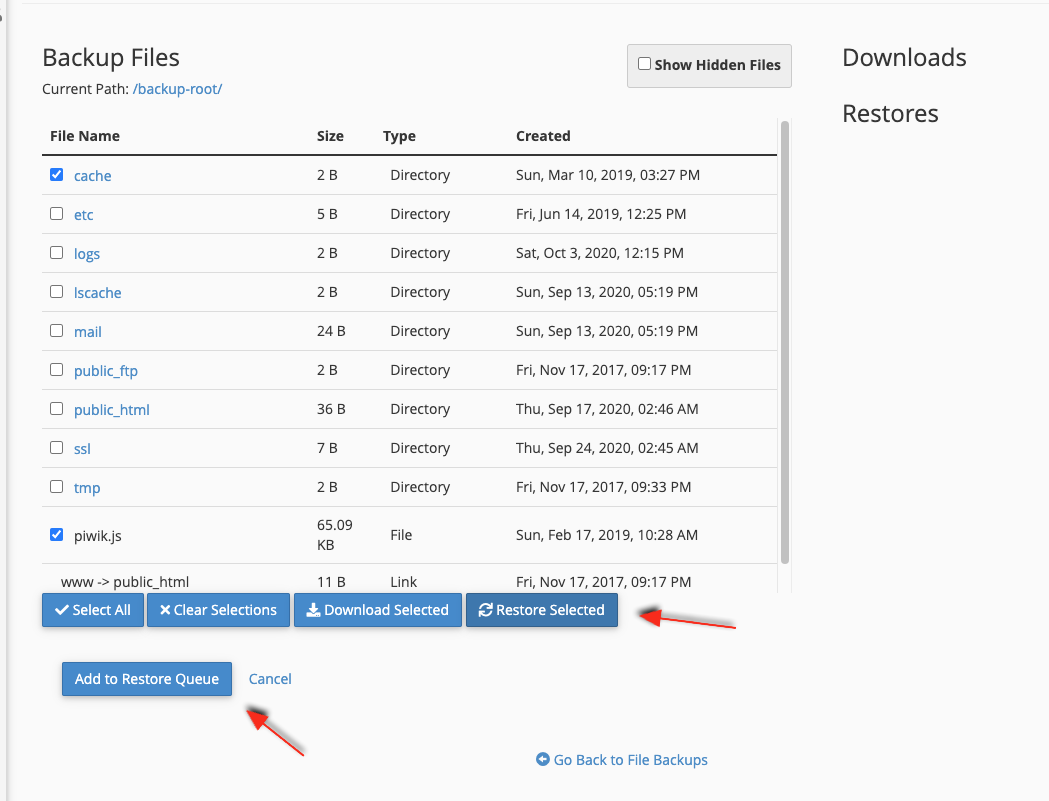
You first select the file(s) or directories, then click on "Restore Selected", and then click "Add to Restore Queue".
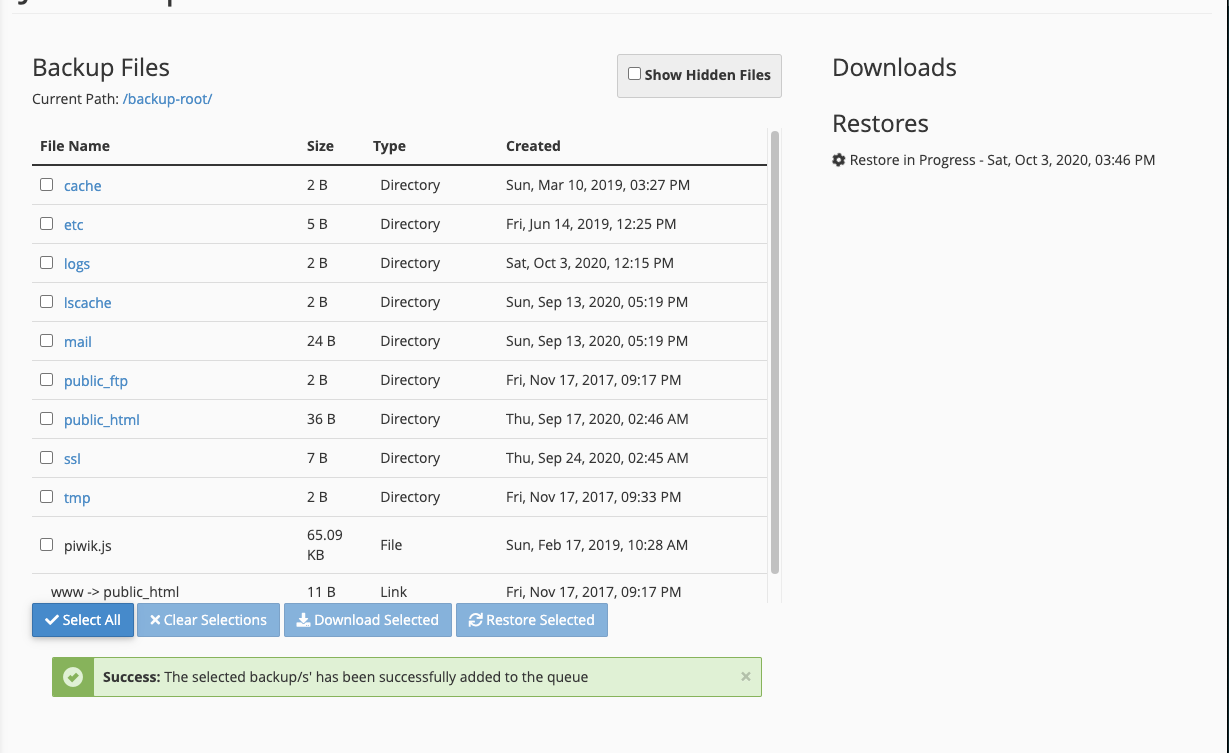
The restoration will then proceed: